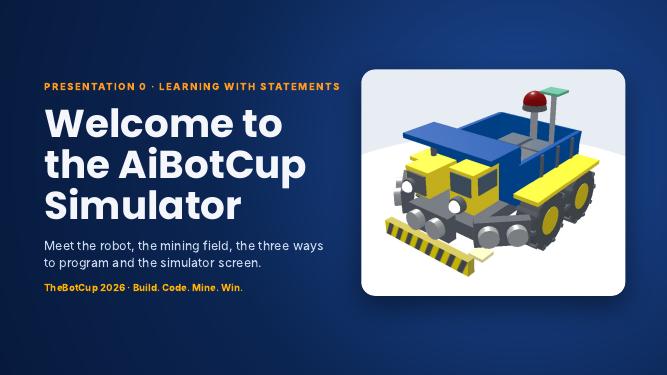
Presentation 0 · Statements
Welcome to the AiBotCup Simulator
Meet the robot, the mining field, the three ways to program and the simulator screen.
Introduction · 24 slides
Ready-to-teach presentations for the AiBotCup Simulator, one per session. Each one introduces the task and the new idea, then solves it step by step, tested in the simulator. Schools: Statements, Python or C. Universities: Python or C.
Meet the robot, the mining field, the three ways to program and the simulator screen.
Introduction · 24 slides
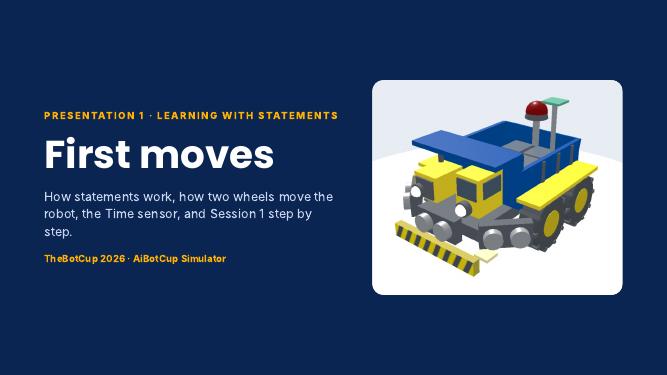
How two wheels move the robot, the Time sensor, and Session 1 step by step.
Session 1 · 28 slides
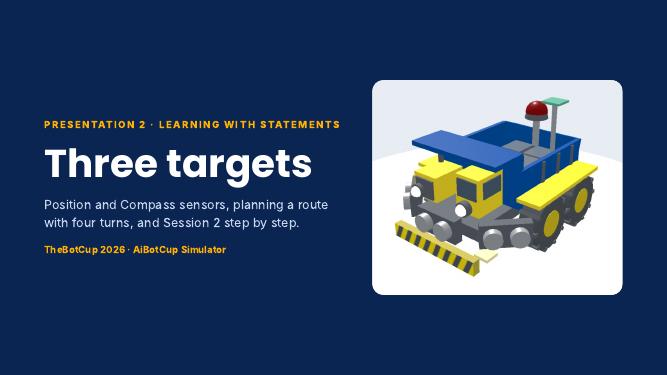
Position and Compass sensors, planning a route with four turns, and Session 2 step by step.
Session 2 · 23 slides
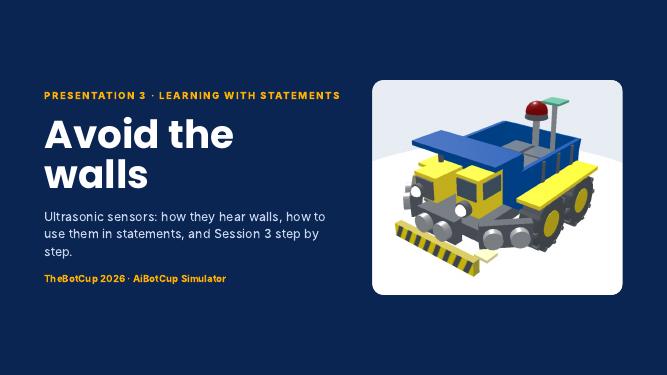
Ultrasonic sensors: how they hear walls, how to use them, and Session 3 step by step.
Session 3 · 25 slides
Keep one hand on the wall: following a wall with the ultrasonic sensors, step by step.
Session 4 · 20 slides
A bigger maze, narrower corridors, more dead ends, and the same wall follower.
Session 5 · 17 slides
Light sensors, colour sensors, and a robot that finds black iron on the floor and collects it.
Session 6 · 26 slides
Iron, silver and gold, and a robot that counts what it collects using variables.
Session 7 · 27 slides
Exactly two iron, two silver and two gold, counted by the simulator’s own built-in variables.
Session 8 · 21 slides
Fill the robot with six objects, then empty it in a green deposit area for double points.
Session 9 · 22 slides
See the warning band, back away, and find the way back to FINISH.
Session 10 · 21 slides
No position sensor: find three targets by turning to the right heading and driving straight.
Session 11 · 24 slides
Around a big block to FINISH with the wall follower, and a good choice of which wall.
Session 12 · Juniors · 18 slides
Mining inside the water: a blue LED, double points, and knowing where the pond is.
Session 13 · Juniors · 18 slides
Collect three, then bring them home: a built-in counter and a green-LED deposit.
Session 14 · Juniors · 18 slides
One iron, one silver, one gold, and never a second of the same.
Session 15 · Juniors · 18 slides
Plan a route, then drive it with position and compass: no flag touched.
Session 16 · Juniors · 19 slides
No position, no walls to see: drive for the right number of seconds, then stop.
Session 17 · Juniors · 17 slides
Leave home, find two objects, come back and deposit.
Session 18 · Juniors · 17 slides
Water, land and deposit in one program: red, blue and green LEDs, three minutes.
Session 19 · Juniors · 20 slides
The full Juniors mission: six objects, water and land, two trips, unsafe areas.
Session 20 · Juniors · 20 slides
Meet the robot, the mining field, the three ways to program and the simulator screen.
Introduction · 24 slides
How two wheels move the robot, the Time sensor, and Session 1 step by step.
Session 1 · 28 slides
Position and Compass sensors, planning a route with four turns, and Session 2 step by step.
Session 2 · 23 slides
Ultrasonic sensors: how they hear walls, how to use them, and Session 3 step by step.
Session 3 · 25 slides
Keep one hand on the wall: following a wall with the ultrasonic sensors, step by step.
Session 4 · 20 slides
A bigger maze, narrower corridors, more dead ends, and the same wall follower.
Session 5 · 17 slides
Light sensors, colour sensors, and a robot that finds black iron on the floor and collects it.
Session 6 · 26 slides
Iron, silver and gold, and a robot that counts what it collects using variables.
Session 7 · 28 slides
Exactly two iron, two silver and two gold, counted by the simulator’s own built-in variables.
Session 8 · 21 slides
Fill the robot with six objects, then empty it in a green deposit area for double points.
Session 9 · 23 slides
See the warning band, back away, and find the way back to FINISH.
Session 10 · 22 slides
No position sensor: find three targets by turning to the right heading and driving straight.
Session 11 · 25 slides
Around a big block to FINISH with the wall follower, and a good choice of which wall.
Session 12 · Juniors · 19 slides
Mining inside the water: a blue LED, double points, and knowing where the pond is.
Session 13 · Juniors · 21 slides
Collect three, then bring them home: a built-in counter and a green-LED deposit.
Session 14 · Juniors · 21 slides
One iron, one silver, one gold, and never a second of the same.
Session 15 · Juniors · 20 slides
Plan a route, then drive it with position and compass: no flag touched.
Session 16 · Juniors · 20 slides
No position, no walls to see: drive for the right number of seconds, then stop.
Session 17 · Juniors · 18 slides
Leave home, find two objects, come back and deposit.
Session 18 · Juniors · 19 slides
Water, land and deposit in one program: red, blue and green LEDs, three minutes.
Session 19 · Juniors · 21 slides
The full Juniors mission: six objects, water and land, two trips, unsafe areas.
Session 20 · Juniors · 21 slides
Meet the robot, the mining field, the three ways to program and the simulator screen.
Introduction · 24 slides
How two wheels move the robot, the Time sensor, and Session 1 step by step.
Session 1 · 28 slides
Position and Compass sensors, planning a route with four turns, and Session 2 step by step.
Session 2 · 23 slides
Ultrasonic sensors: how they hear walls, how to use them, and Session 3 step by step.
Session 3 · 25 slides
Keep one hand on the wall: following a wall with the ultrasonic sensors, step by step.
Session 4 · 20 slides
A bigger maze, narrower corridors, more dead ends, and the same wall follower.
Session 5 · 17 slides
Light sensors, colour sensors, and a robot that finds black iron on the floor and collects it.
Session 6 · 26 slides
Iron, silver and gold, and a robot that counts what it collects using variables.
Session 7 · 28 slides
Exactly two iron, two silver and two gold, counted by the simulator’s own built-in variables.
Session 8 · 21 slides
Fill the robot with six objects, then empty it in a green deposit area for double points.
Session 9 · 23 slides
See the warning band, back away, and find the way back to FINISH.
Session 10 · 22 slides
No position sensor: find three targets by turning to the right heading and driving straight.
Session 11 · 25 slides
Meet the robot, the mining field, the three ways to program and the simulator screen.
Introduction · 24 slides
How two wheels move the robot, the Time sensor, and Session 1 step by step.
Session 1 · 28 slides
Position and Compass sensors, planning a route with four turns, and Session 2 step by step.
Session 2 · 23 slides
Ultrasonic sensors: how they hear walls, how to use them, and Session 3 step by step.
Session 3 · 25 slides
Keep one hand on the wall: following a wall with the ultrasonic sensors, step by step.
Session 4 · 20 slides
A bigger maze, narrower corridors, more dead ends, and the same wall follower.
Session 5 · 17 slides
Light sensors, colour sensors, and a robot that finds black iron on the floor and collects it.
Session 6 · 26 slides
Iron, silver and gold, and a robot that counts what it collects using variables.
Session 7 · 28 slides
Exactly two iron, two silver and two gold, counted by the simulator’s own built-in variables.
Session 8 · 21 slides
Fill the robot with six objects, then empty it in a green deposit area for double points.
Session 9 · 23 slides
See the warning band, back away, and find the way back to FINISH.
Session 10 · 22 slides
No position sensor: find three targets by turning to the right heading and driving straight.
Session 11 · 25 slides
Around a big block to FINISH with the wall follower, and a good choice of which wall.
Session 12 · Juniors · 19 slides
Mining inside the water: a blue LED, double points, and knowing where the pond is.
Session 13 · Juniors · 21 slides
Collect three, then bring them home: a built-in counter and a green-LED deposit.
Session 14 · Juniors · 21 slides
One iron, one silver, one gold, and never a second of the same.
Session 15 · Juniors · 20 slides
Plan a route, then drive it with position and compass: no flag touched.
Session 16 · Juniors · 20 slides
No position, no walls to see: drive for the right number of seconds, then stop.
Session 17 · Juniors · 18 slides
Leave home, find two objects, come back and deposit.
Session 18 · Juniors · 19 slides
Water, land and deposit in one program: red, blue and green LEDs, three minutes.
Session 19 · Juniors · 21 slides
The full Juniors mission: six objects, water and land, two trips, unsafe areas.
Session 20 · Juniors · 21 slides
Meet the robot, the mining field, the three ways to program and the simulator screen.
Introduction · 24 slides
How two wheels move the robot, the Time sensor, and Session 1 step by step.
Session 1 · 28 slides
Position and Compass sensors, planning a route with four turns, and Session 2 step by step.
Session 2 · 23 slides
Ultrasonic sensors: how they hear walls, how to use them, and Session 3 step by step.
Session 3 · 25 slides
Keep one hand on the wall: following a wall with the ultrasonic sensors, step by step.
Session 4 · 20 slides
A bigger maze, narrower corridors, more dead ends, and the same wall follower.
Session 5 · 17 slides
Light sensors, colour sensors, and a robot that finds black iron on the floor and collects it.
Session 6 · 26 slides
Iron, silver and gold, and a robot that counts what it collects using variables.
Session 7 · 28 slides
Exactly two iron, two silver and two gold, counted by the simulator’s own built-in variables.
Session 8 · 21 slides
Fill the robot with six objects, then empty it in a green deposit area for double points.
Session 9 · 23 slides
See the warning band, back away, and find the way back to FINISH.
Session 10 · 22 slides
No position sensor: find three targets by turning to the right heading and driving straight.
Session 11 · 25 slides
Meet the Advanced robot, then drive straight to a point with PositionX, PositionY, atan2d and angleDiff.
Session 12 · Advanced · 23 slides
Two pads in a fixed order: a program that changes its own target while it runs.
Session 13 · Advanced · 21 slides
The robot’s camera: what it sees, how to read its pixels, and a program that finds gold and leaves iron and silver.
Session 14 · Advanced · 25 slides
Two black letters, one colour: the camera tells an O from an R by its size and by the hole in the middle.
Session 15 · Advanced · 22 slides
Turn until the object is dead ahead, then drive straight to it: a cleaner way to use the camera.
Session 16 · Advanced · 21 slides
Find the water pond in the camera image, mine only inside it, and show a blue LED there.
Session 17 · Advanced · 23 slides
Five unsafe areas between START and FINISH: see their red warning bands and steer around them.
Session 18 · Advanced · 20 slides
Search with the camera, return with geometry: collect 3 objects, then drive home to the deposit area.
Session 19 · Advanced · 23 slides
The pond, unsafe areas, Oil and Rocks, two deposit areas: mine six and bring them home in one trip.
Session 20 · Advanced · 24 slides
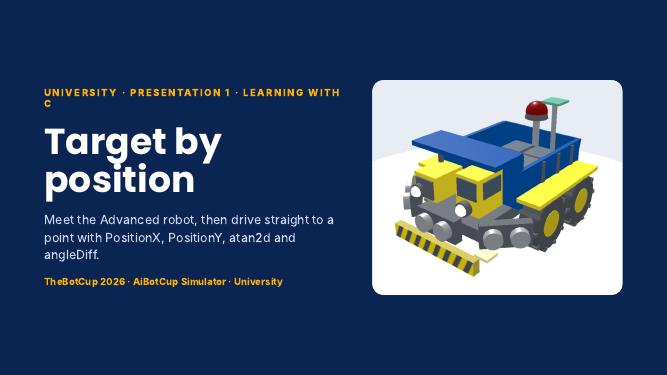
Meet the Advanced robot, then drive straight to a point with PositionX, PositionY, atan2d and angleDiff.
Session 12 · Advanced · 23 slides
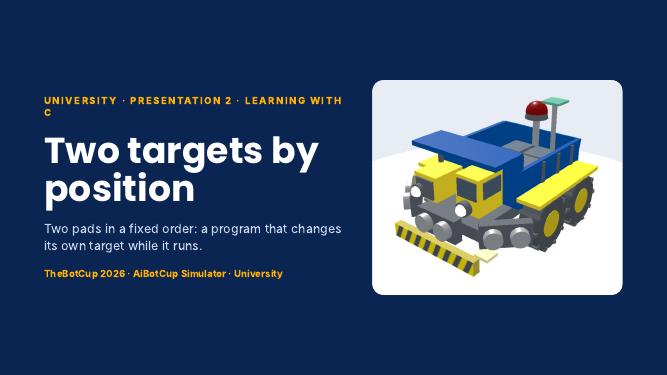
Two pads in a fixed order: a program that changes its own target while it runs.
Session 13 · Advanced · 21 slides
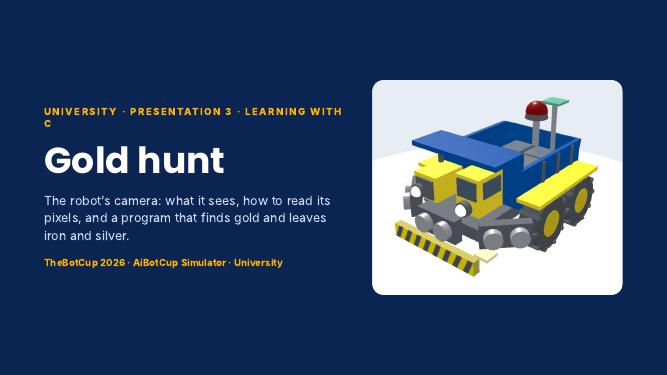
The robot’s camera: what it sees, how to read its pixels, and a program that finds gold and leaves iron and silver.
Session 14 · Advanced · 25 slides
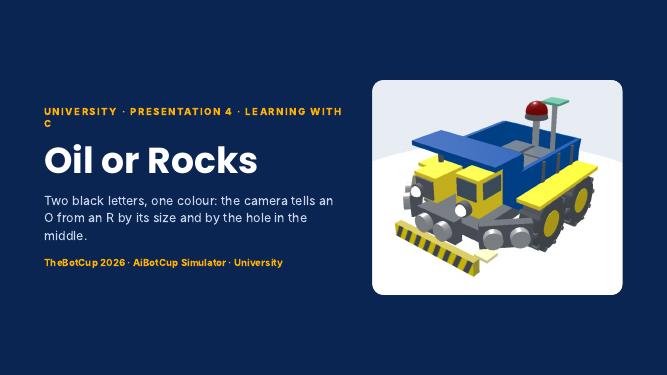
Two black letters, one colour: the camera tells an O from an R by its size and by the hole in the middle.
Session 15 · Advanced · 22 slides
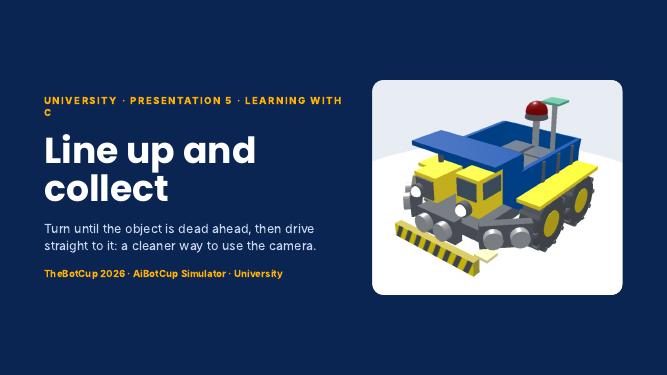
Turn until the object is dead ahead, then drive straight to it: a cleaner way to use the camera.
Session 16 · Advanced · 21 slides
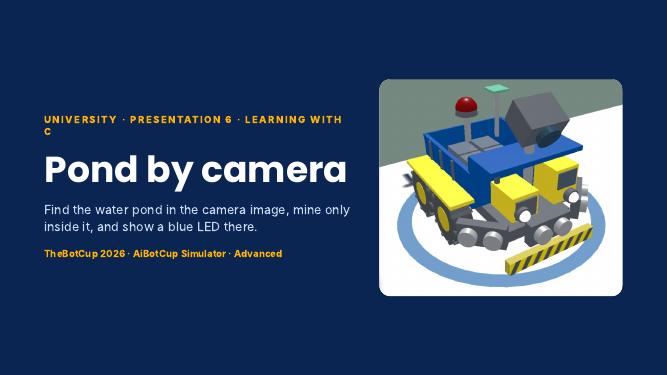
Find the water pond in the camera image, mine only inside it, and show a blue LED there.
Session 17 · Advanced · 23 slides
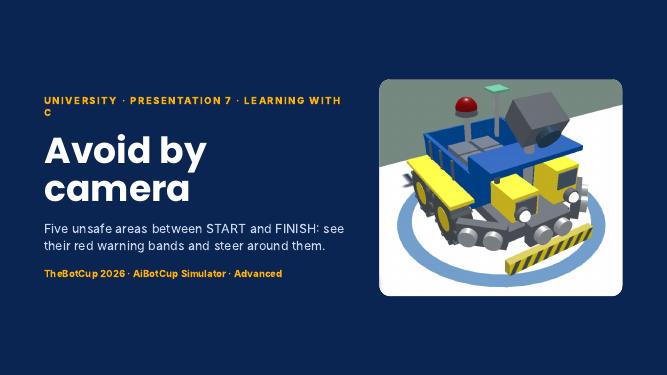
Five unsafe areas between START and FINISH: see their red warning bands and steer around them.
Session 18 · Advanced · 20 slides
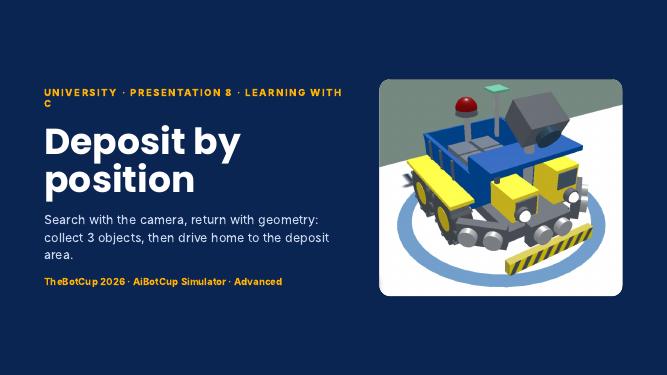
Search with the camera, return with geometry: collect 3 objects, then drive home to the deposit area.
Session 19 · Advanced · 23 slides
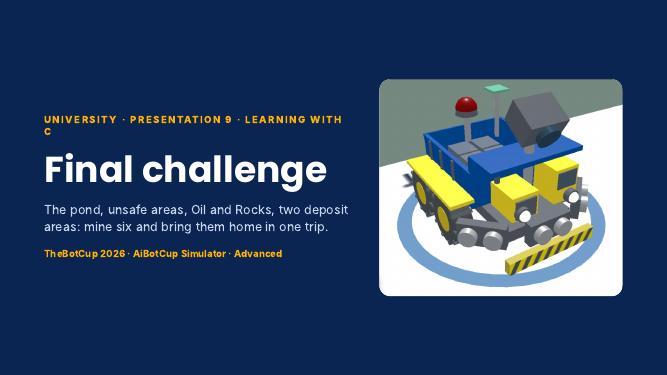
The pond, unsafe areas, Oil and Rocks, two deposit areas: mine six and bring them home in one trip.
Session 20 · Advanced · 24 slides